★ 4.8
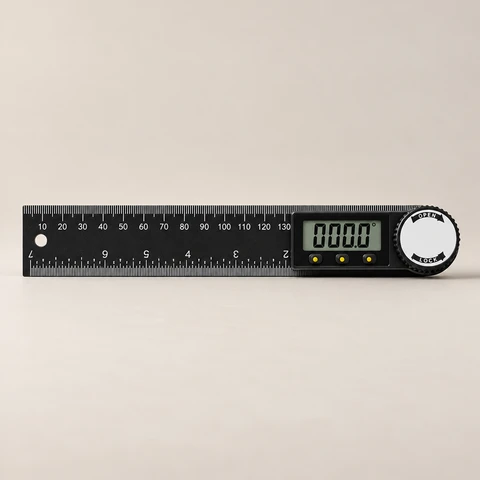
+6Protractor Steel 2
$37.99
SQUAREFORGE Department
T-rulers, digital angle gauges, center finders and marking tools for repeatable layout and machine setup
9 tools
★ 4.8
★ 5.0
★ 4.9
★ 5.0
★ 5.0
★ 5.0
★ 4.9
★ 5.0
Know before you buy
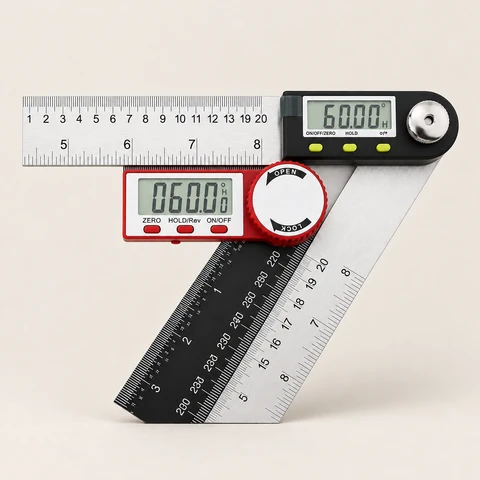
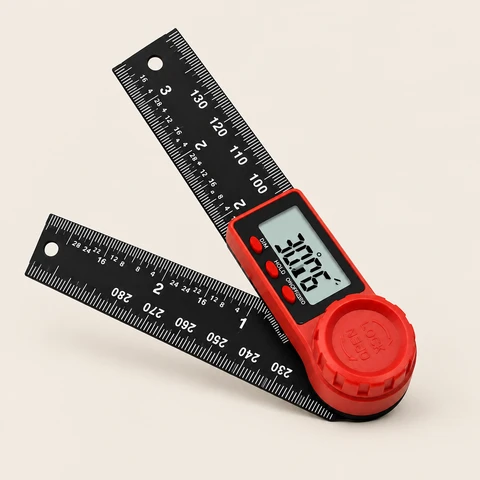
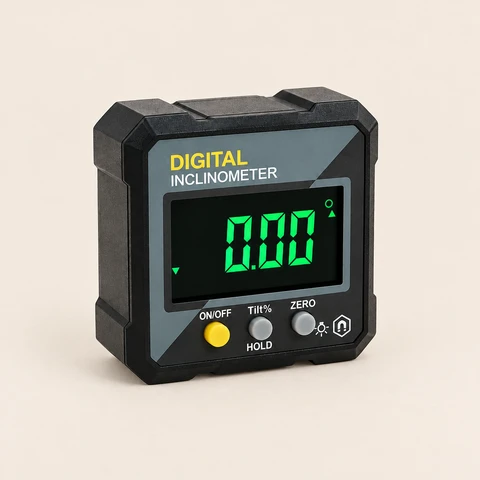
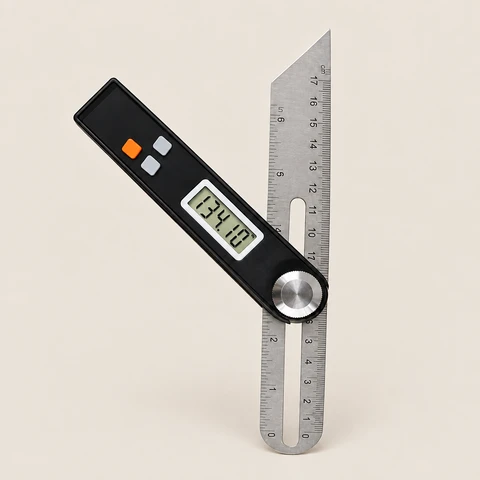
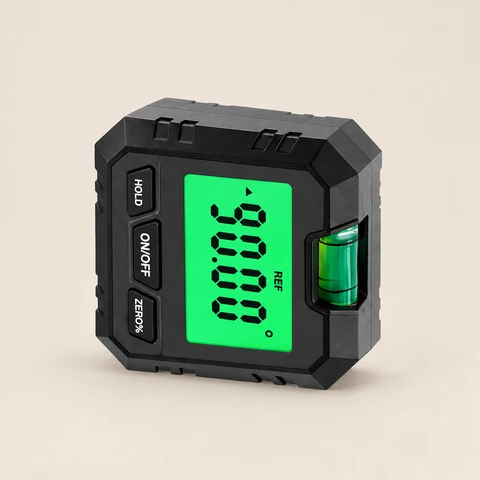
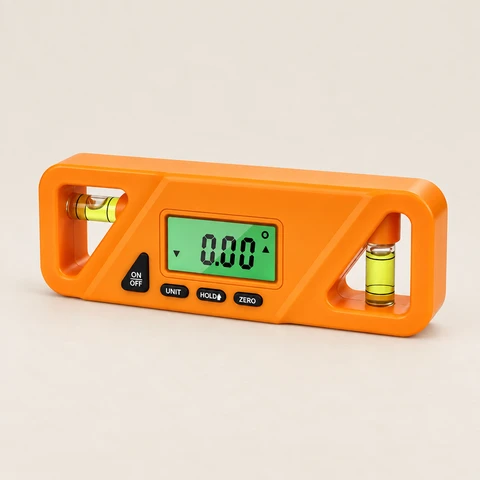
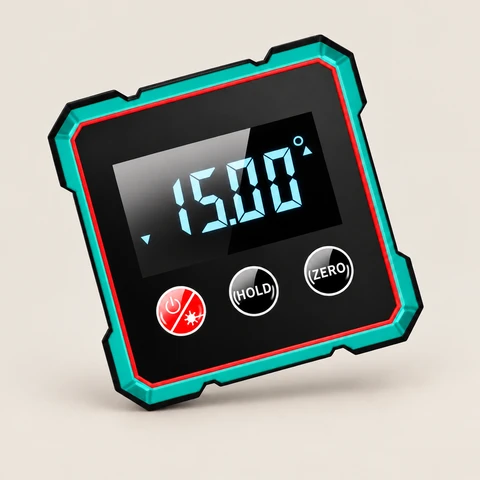
Set a table saw blade, miter saw or jointer fence to an exact angle in seconds. A magnetic digital angle gauge sticks to the blade and reads to a tenth of a degree, and a digital T-bevel transfers angles from the work to the tool.
Place it on the saw table, press zero, then attach it to the blade.
Yes, most use a small coin cell. See each listing.
Every tool ships free in the US with a 12-month warranty and 30-day returns.
Buying guide
Accuracy starts at layout. A mark that's off by a pencil width grows into a gap at glue-up.
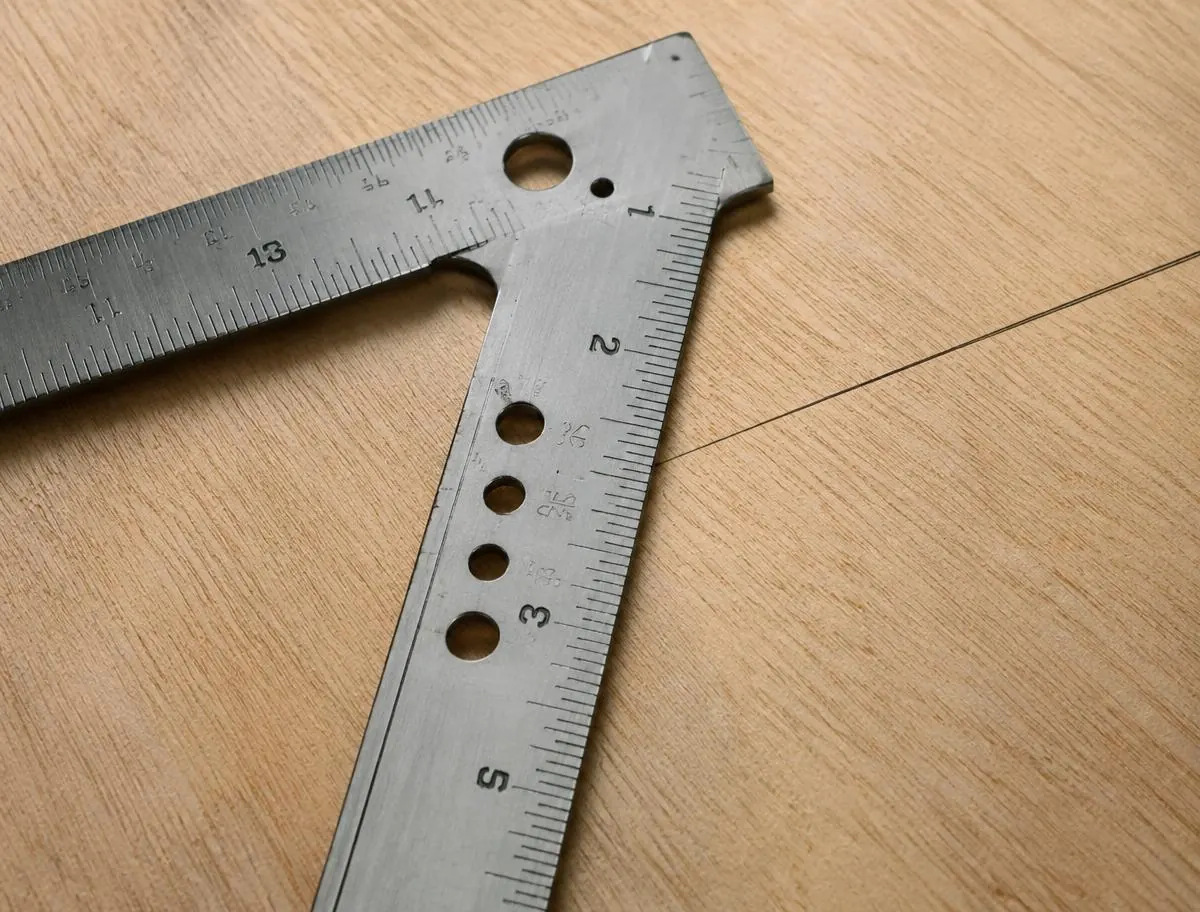
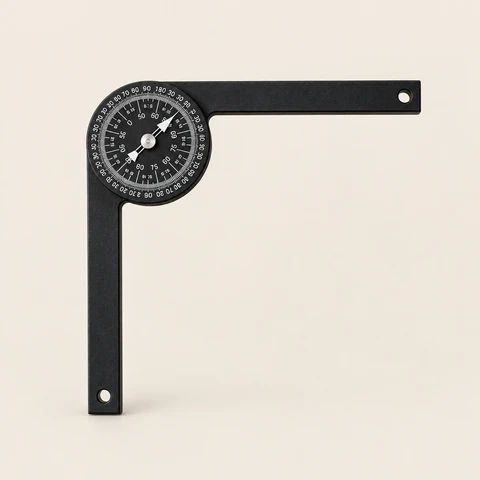
Engraved scales and pencil guide holes let you draw parallel lines and repeat measurements without a second tool.
A marking knife or wheel gauge leaves a finer line than a pencil.
Measure every part from the same reference face.
Flip the square and draw two lines; they should overlap.
Read the full guides
Many show both; see each listing.
Laser engraving is cut into the surface, not printed.
Every SQUAREFORGE tool has a 12-month warranty and 30-day returns.